Why “save for later” never comes back
A short film about the posts we save and never see again, and how Social Archiver brings them back.
Save public posts, your own posts, and other content you have permission to keep. Use the mobile app, browser extension, or Obsidian plugin, with archives stored on your device.
A short film about the posts we save and never see again, and how Social Archiver brings them back.
All posts saved directly to your device. No cloud lock-in, no third-party storage, complete ownership.
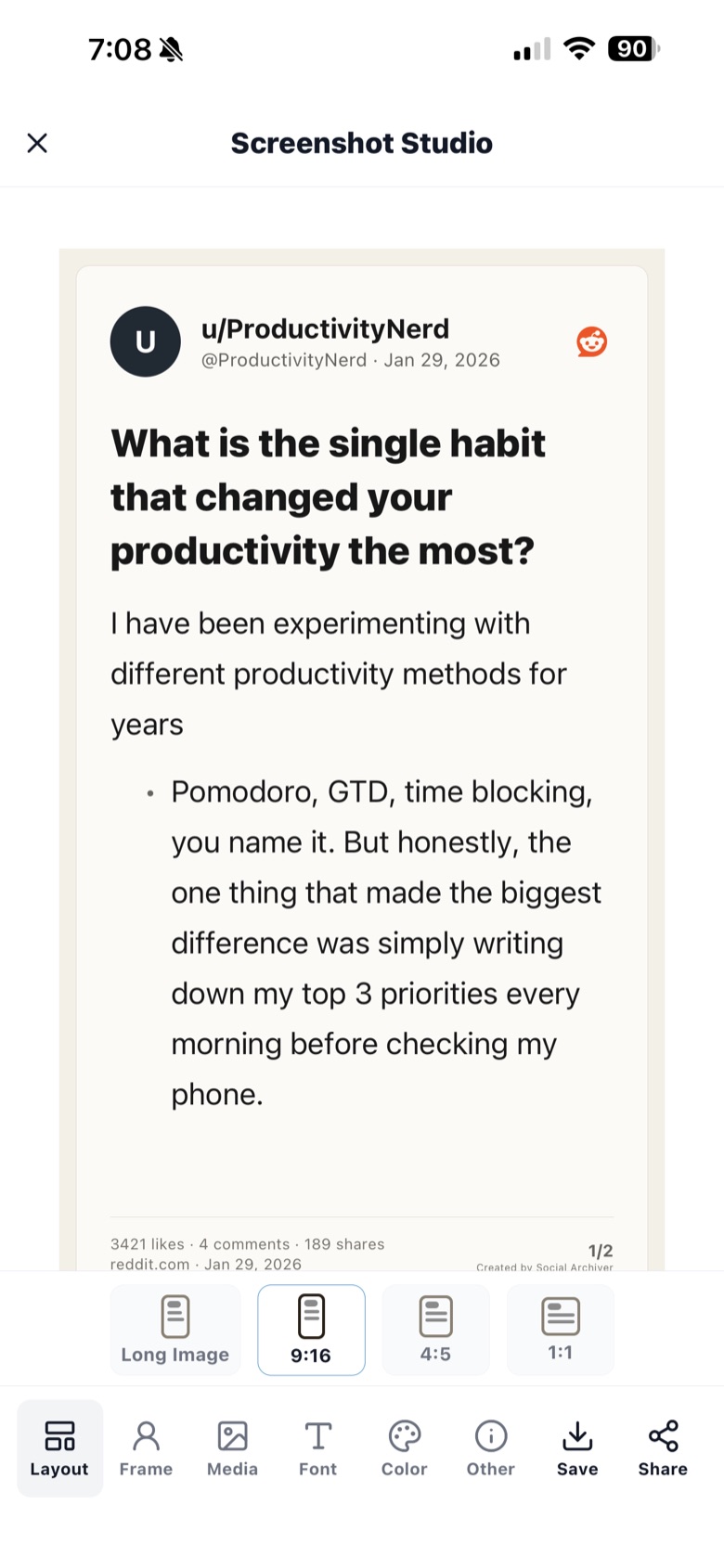
Clean, readable notes with proper formatting, YAML frontmatter, and rich metadata.
Capture supported public URLs and authorized content from social sites, blogs, newsletters, podcasts, and your own posts.
Publish selected archived posts to a personal public timeline when you choose to share them.
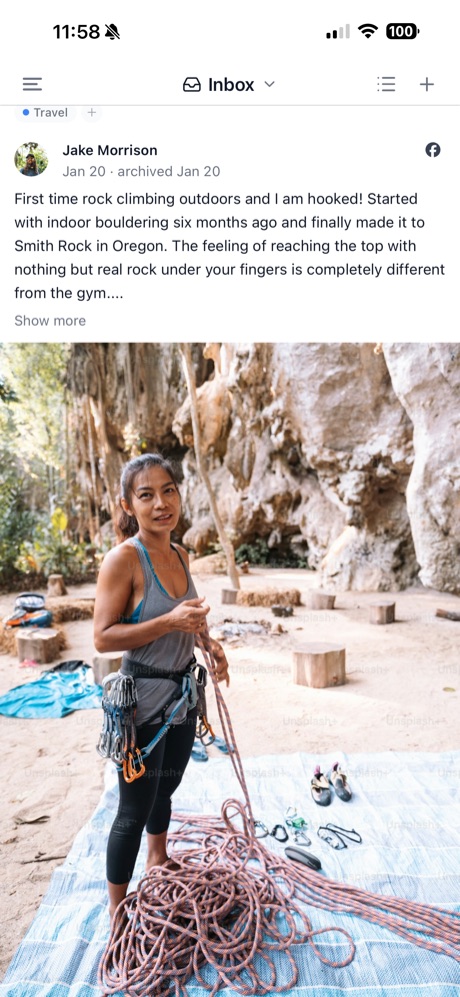
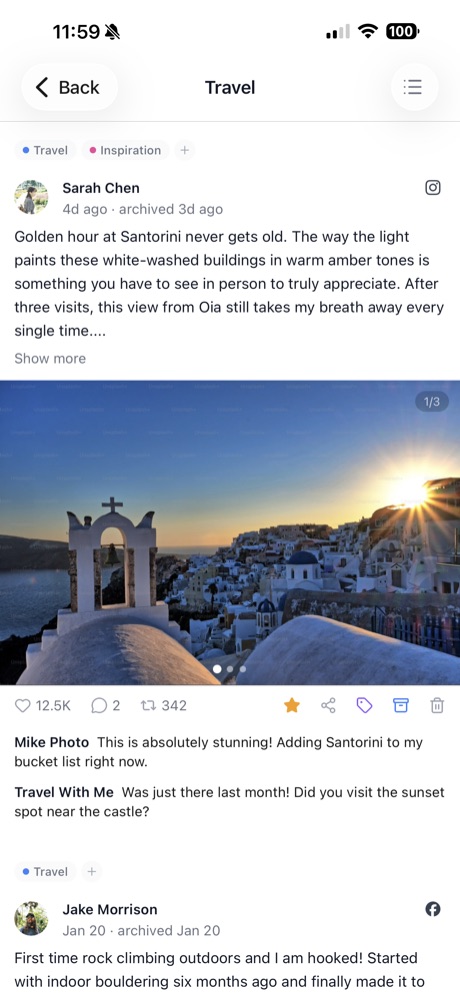
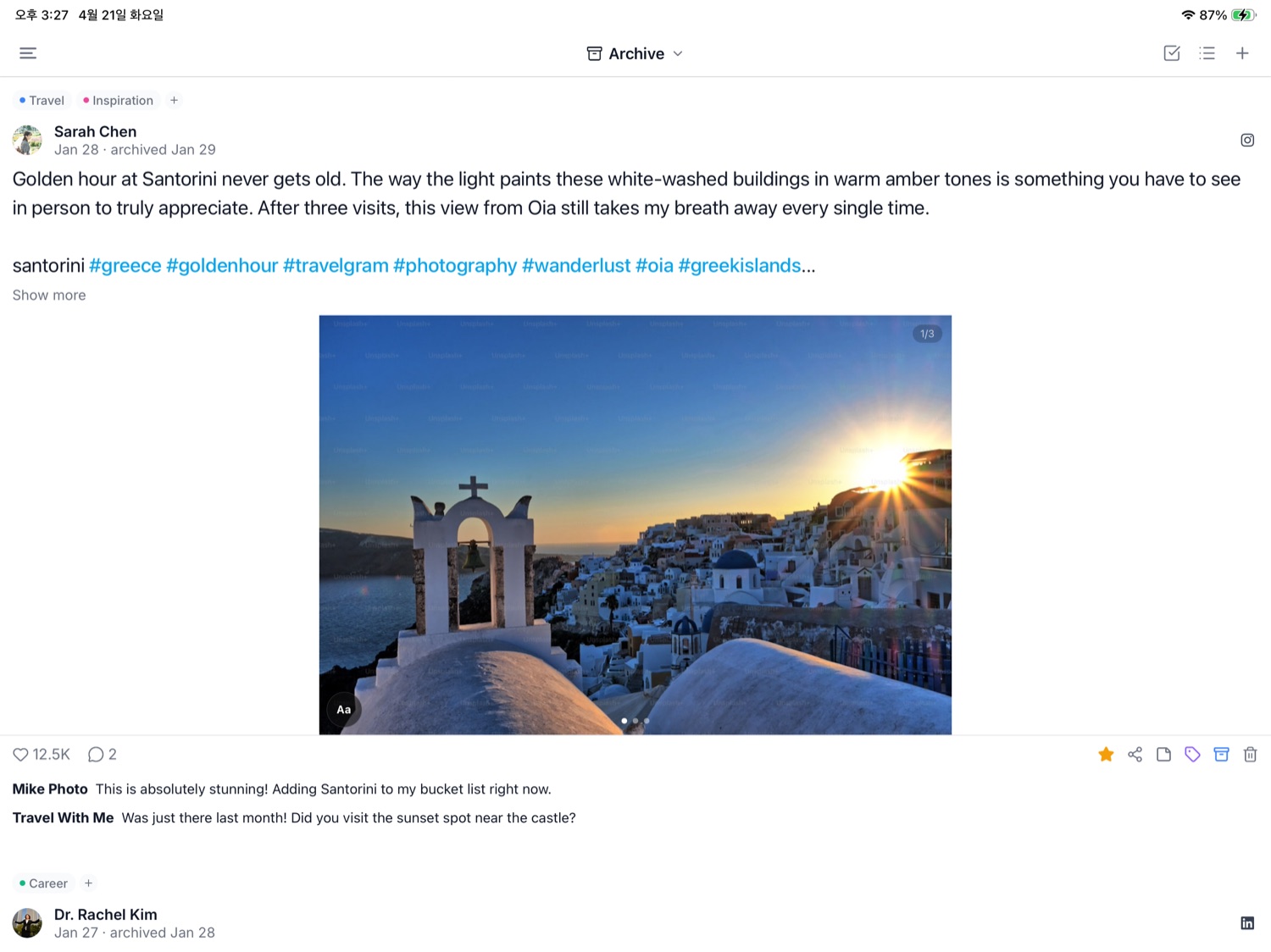
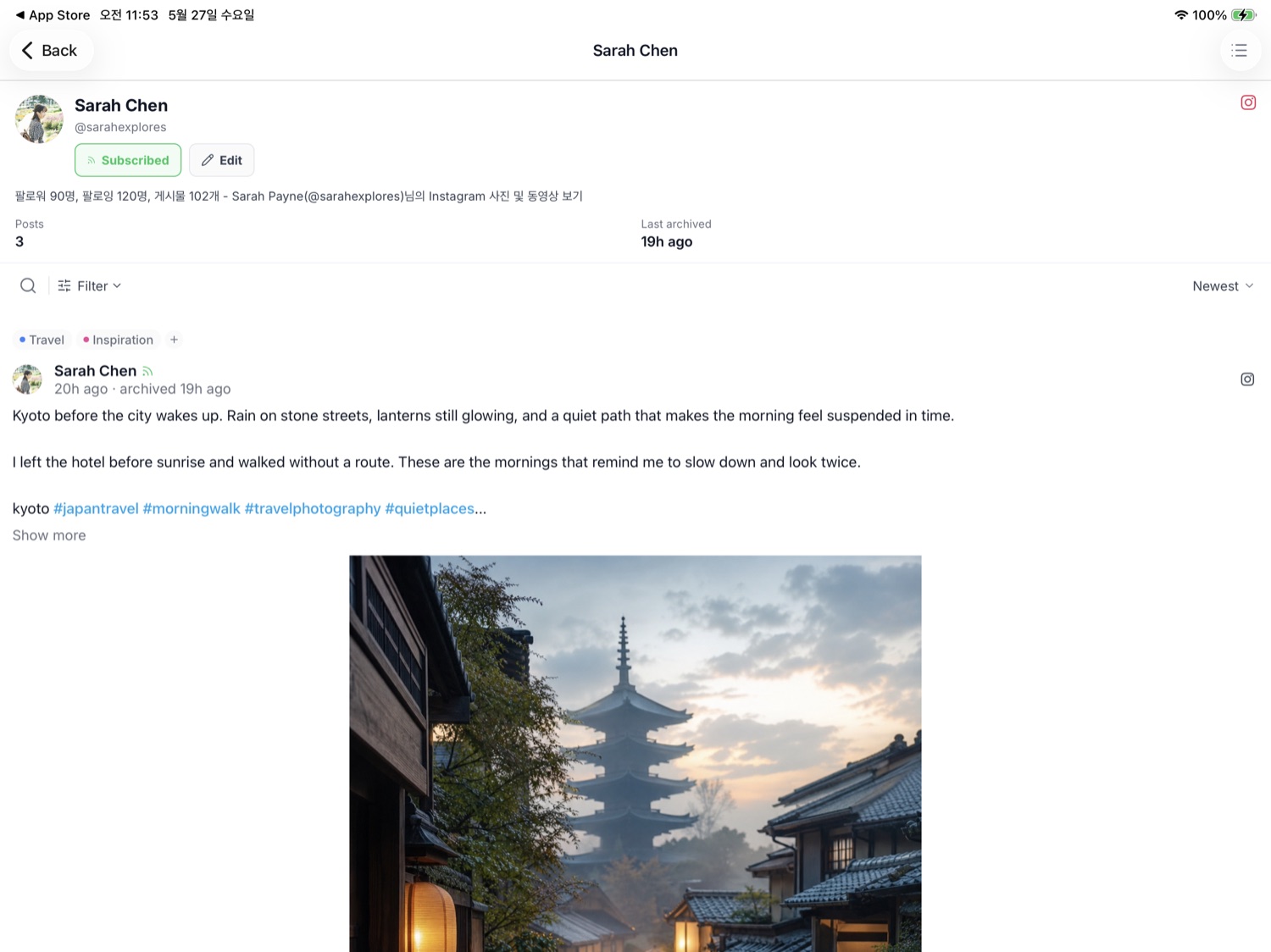
Browse all your archives in a scrollable feed. Media Gallery mode for Pinterest-style layouts.
Saves permitted images and videos where available. Choose text-only, images-only, or media-aware archive modes.
Follow public or authorized sources you choose, with controls for range, limits, and deduplication.
Keep authorized public sources, newsletters, and podcasts organized with scheduled checks and smart deduplication.
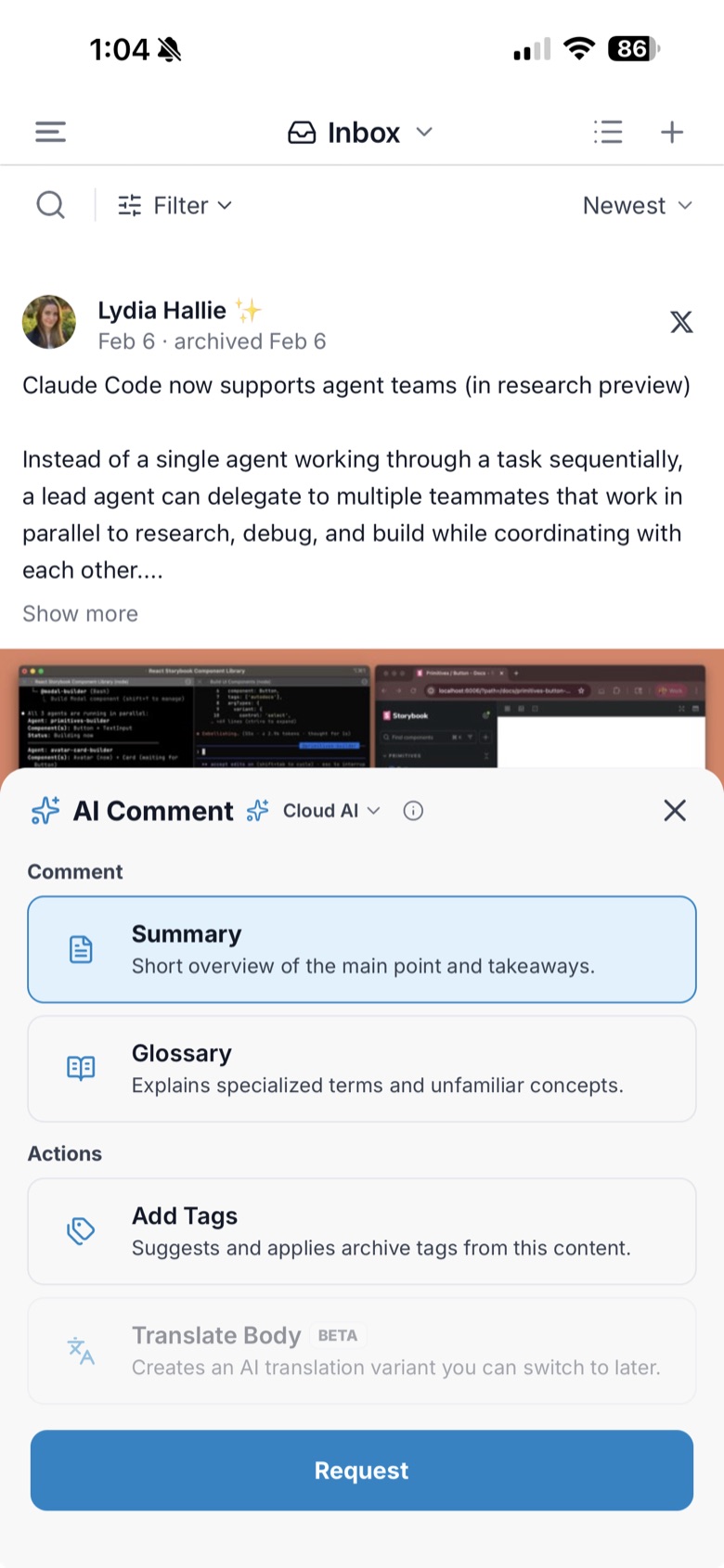
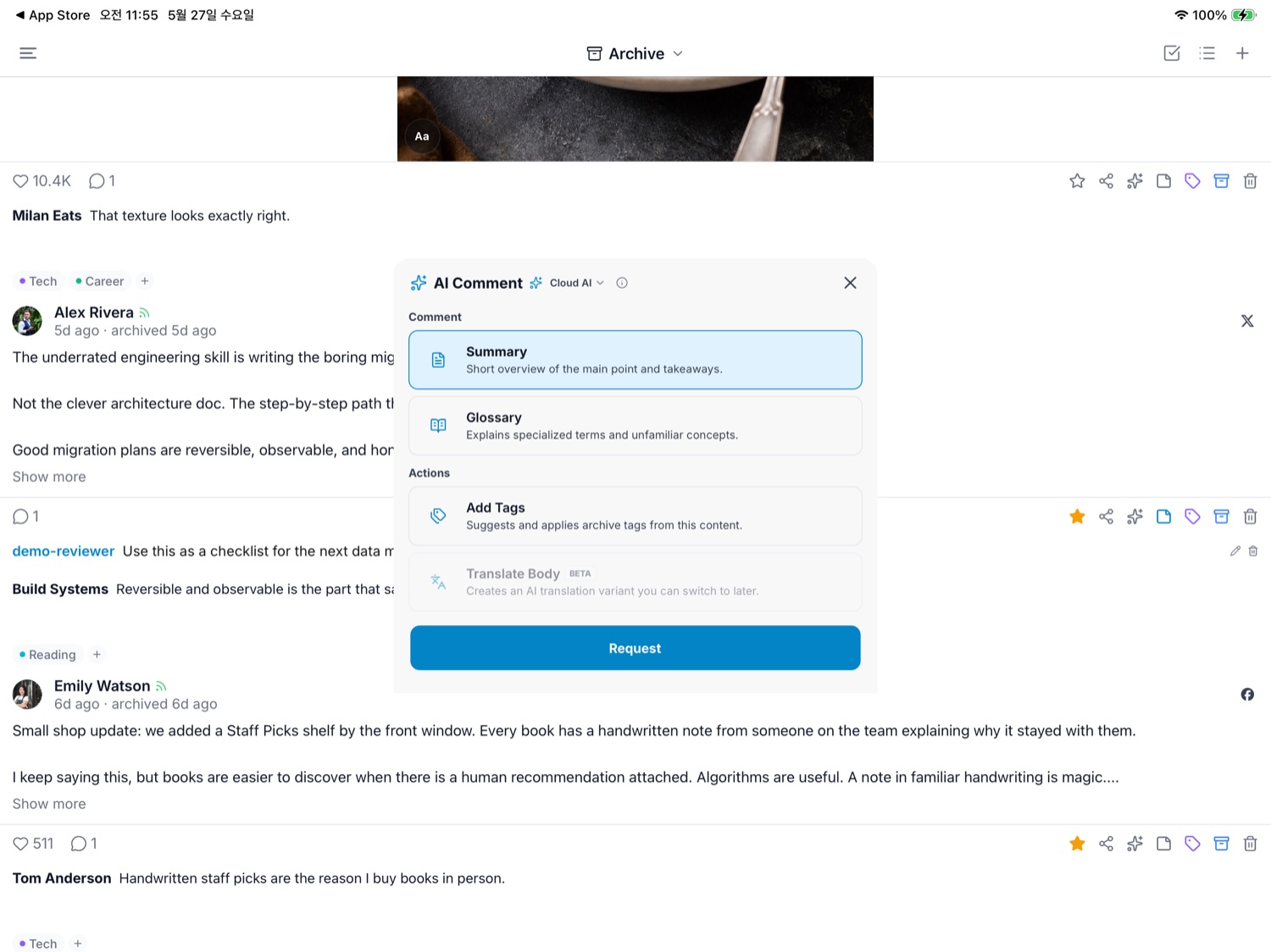
Add AI analysis to archived posts using local CLI tools. Summaries, fact-checks, glossaries, and more—privately on your device.
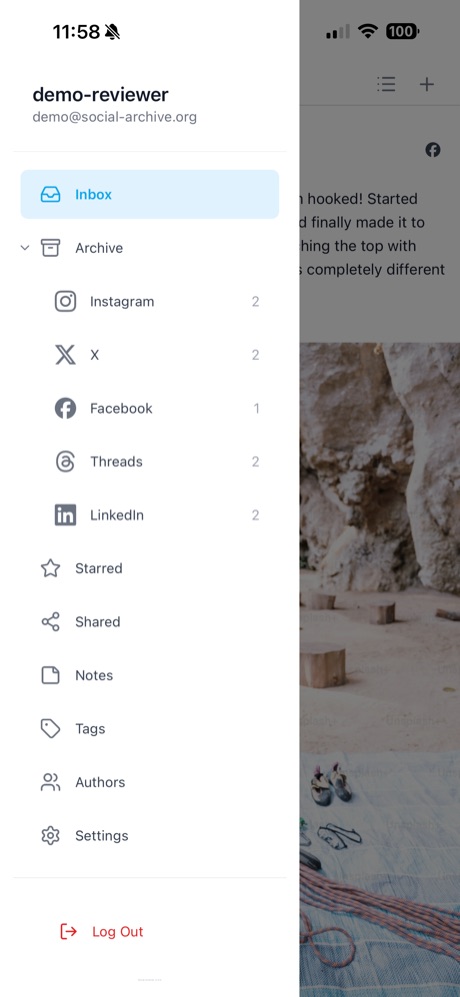
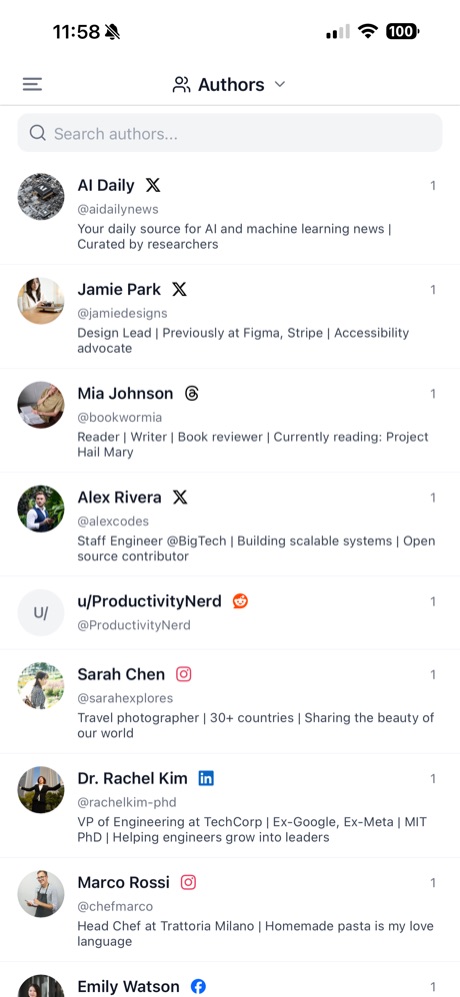
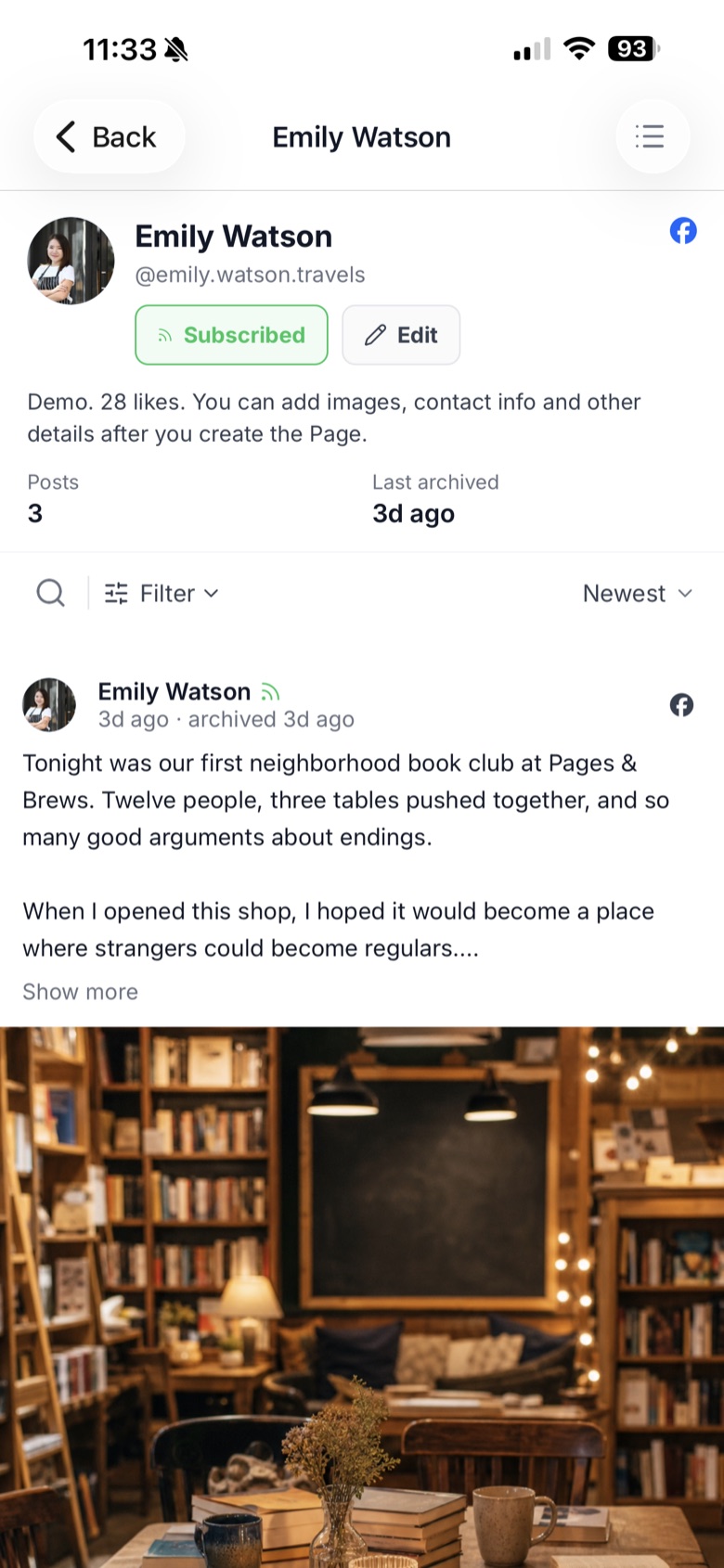
The standalone mobile app lets you save public or authorized posts from anywhere. Use it on its own, or sync with the Obsidian plugin for a seamless desktop-to-mobile experience.
Tap "Share" in any app, select Social Archiver, done. Archive without leaving the app you're browsing.
Save public or authorized posts you choose from supported apps and websites.
Enable sync on both devices and archives flow both ways in real time. Auto Sync is on by default.
All archives stored locally on your device. Full-text search, tags, and browsing work without internet.

Available on Mac, Chrome, Firefox, iOS, and Android.
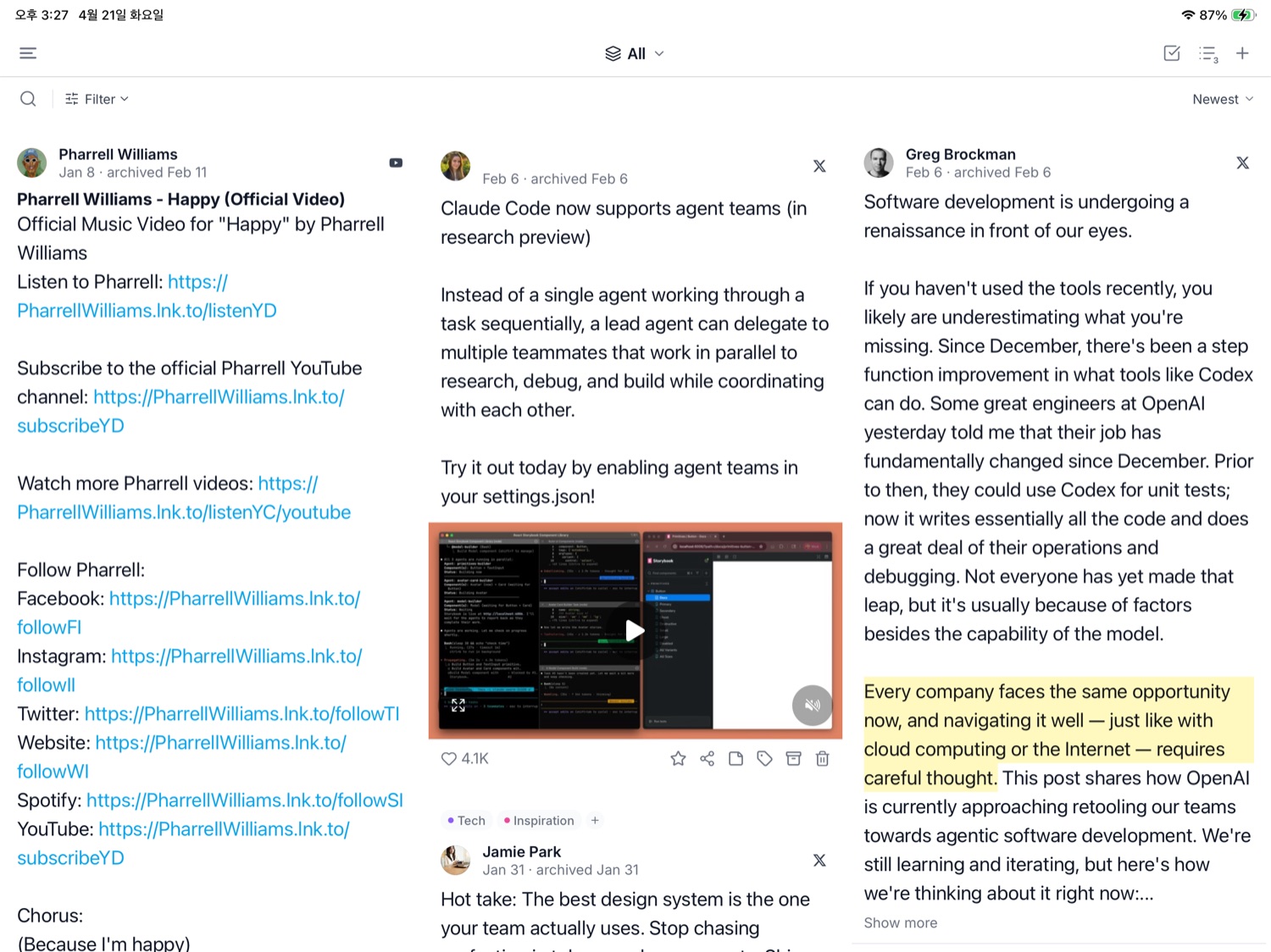
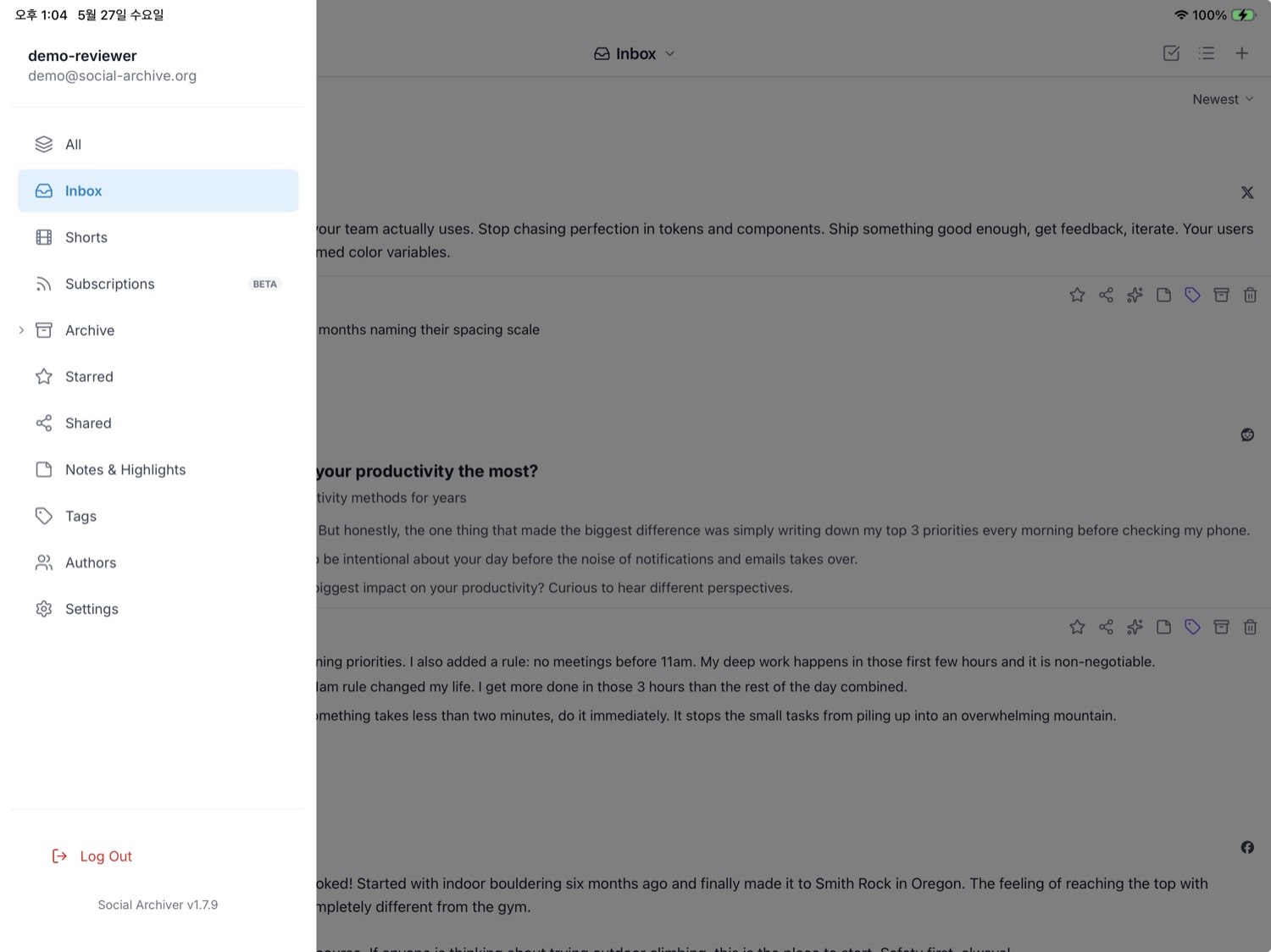
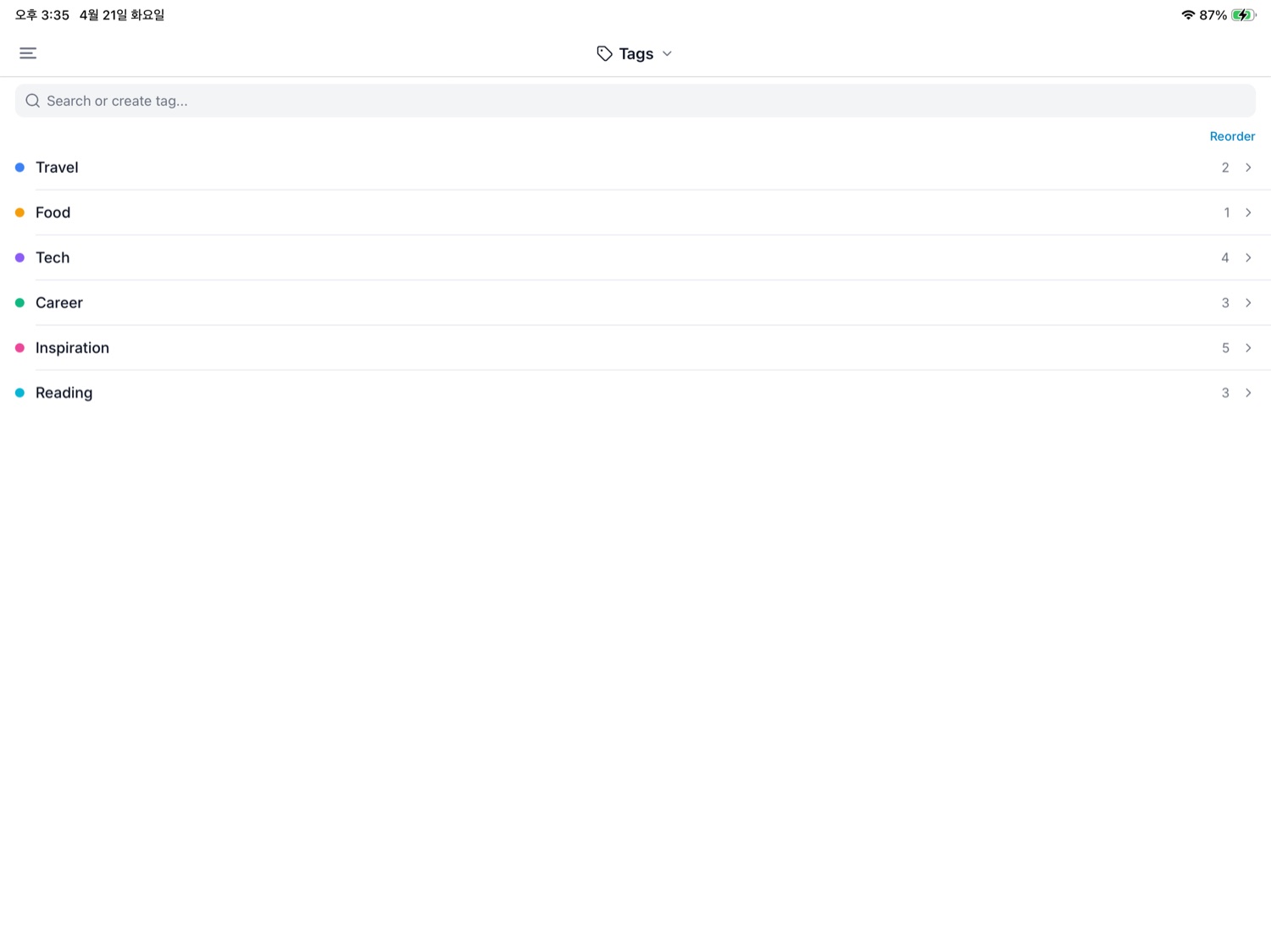
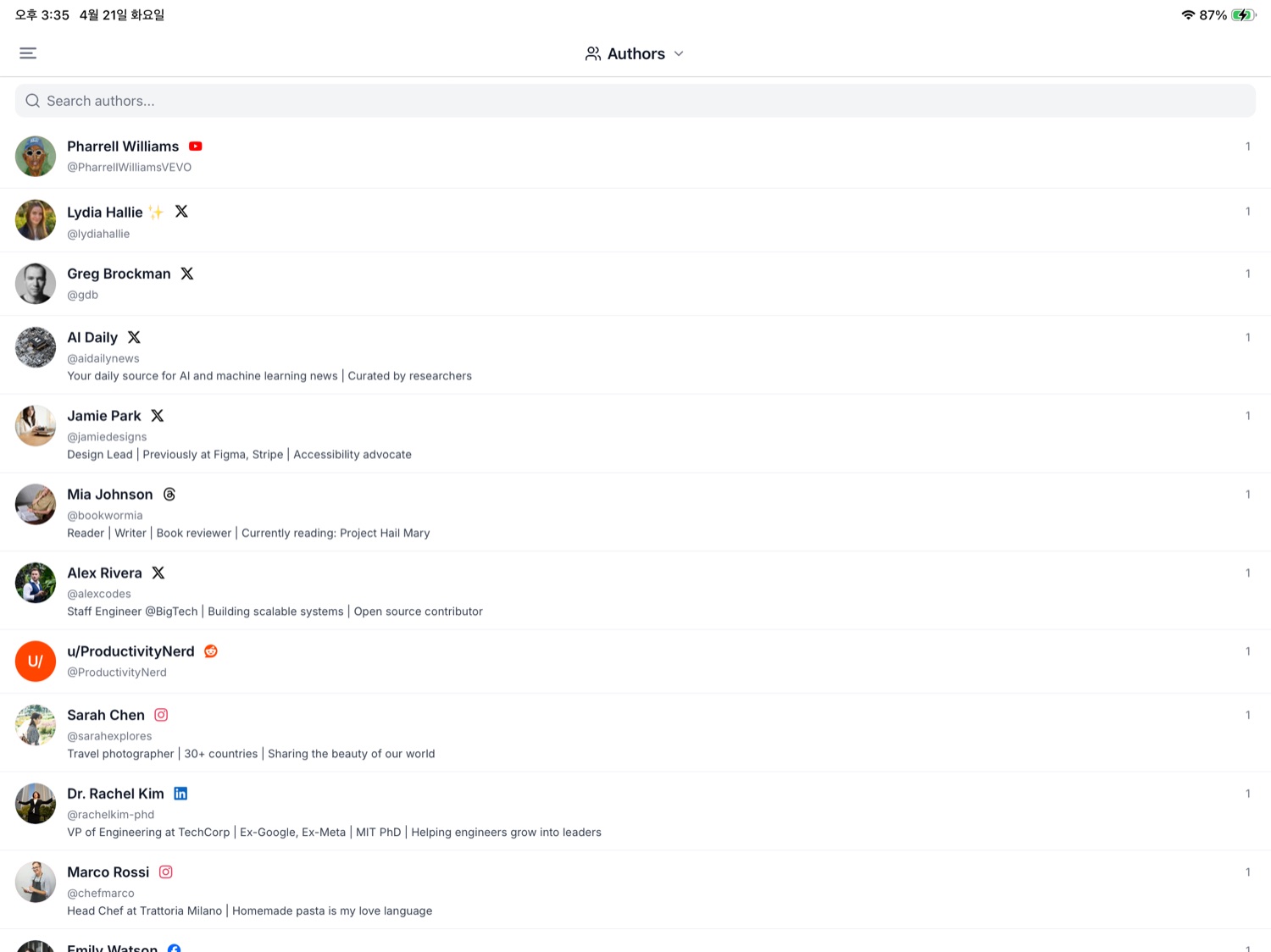
The same archive, with room to breathe. Tap a device to preview it.
Start free, then upgrade when you need more monthly archives.