
Remember when keeping up with your favorite websites meant bookmarking dozens of pages and manually checking each one for updates? Those days are long gone, thanks to a technology that's been quietly making our digital lives easier for over two decades: RSS feeds.
And the best part? You can use RSS Feeds to display important news and updates in your SharePoint sites using ShortPoint's RSS Feed connection type. Now, your page viewers can get the information they need without having to leave your SharePoint intranet.
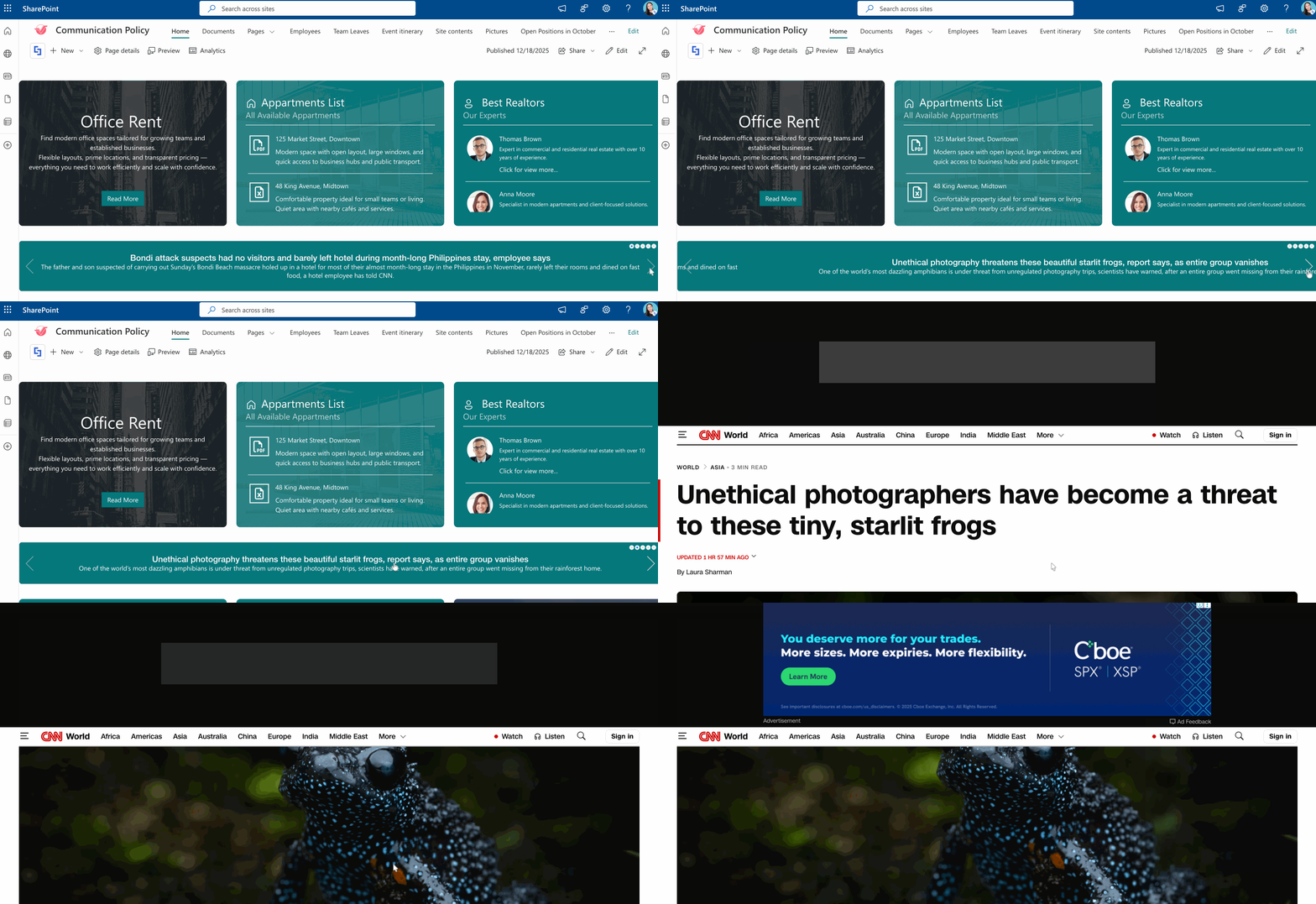
This article will walk you through how to make an RSS feed URL, which you'll need to display your RSS feeds in SharePoint.
TABLE OF CONTENTS
What Is an RSS Feed?
RSS stands for "Really Simple Syndication" (though some say "Rich Site Summary"), and it lives up to that name. At its core, an RSS feed is a standardized format that websites use to publish their latest content updates. Think of it as a newsletter, but instead of landing in your email inbox, it arrives in a feed reader of your choice.